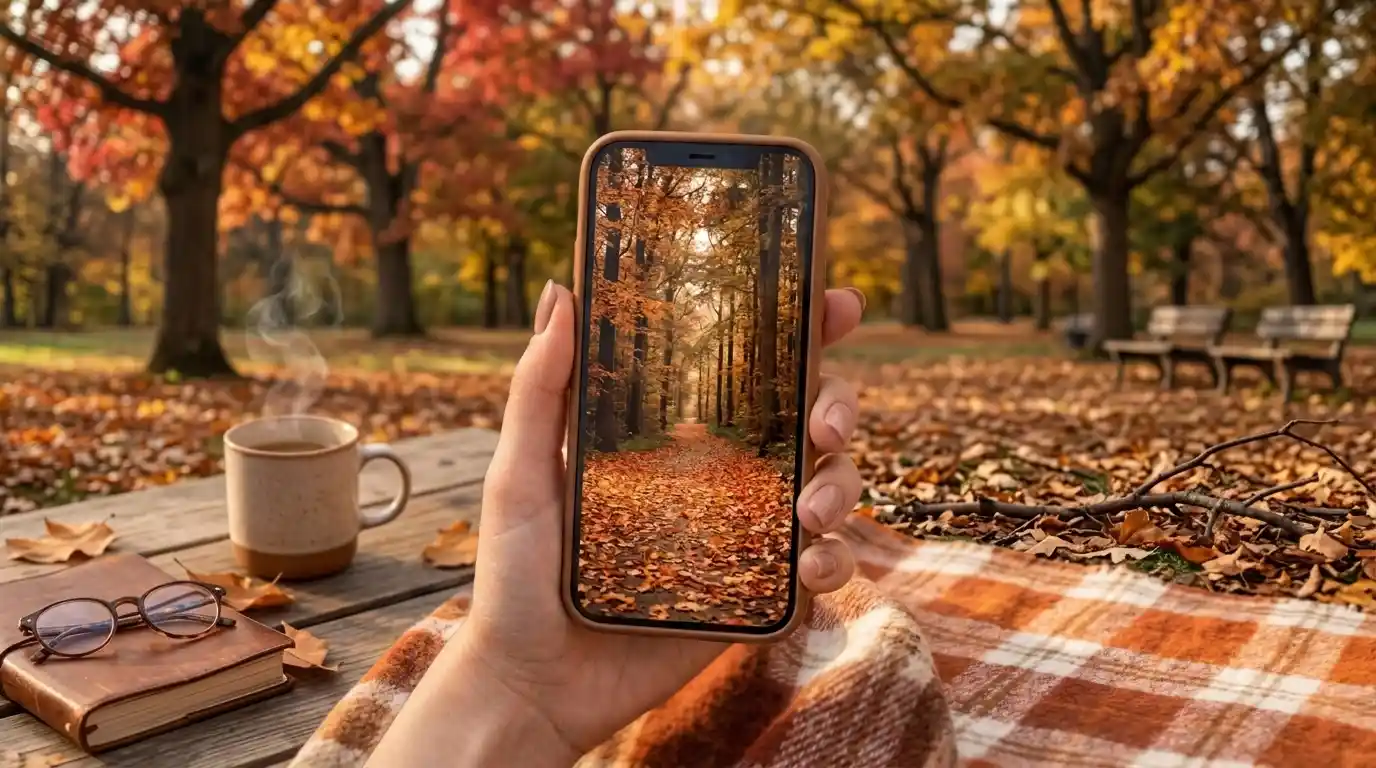
A Beautiful Photo Is the Second Thing to Look For
Every guide to autumn backgrounds tells you to find a photo you love. That is the wrong first question. The first question is what shape the photo is, because your phone will change that shape before you ever see it on screen.
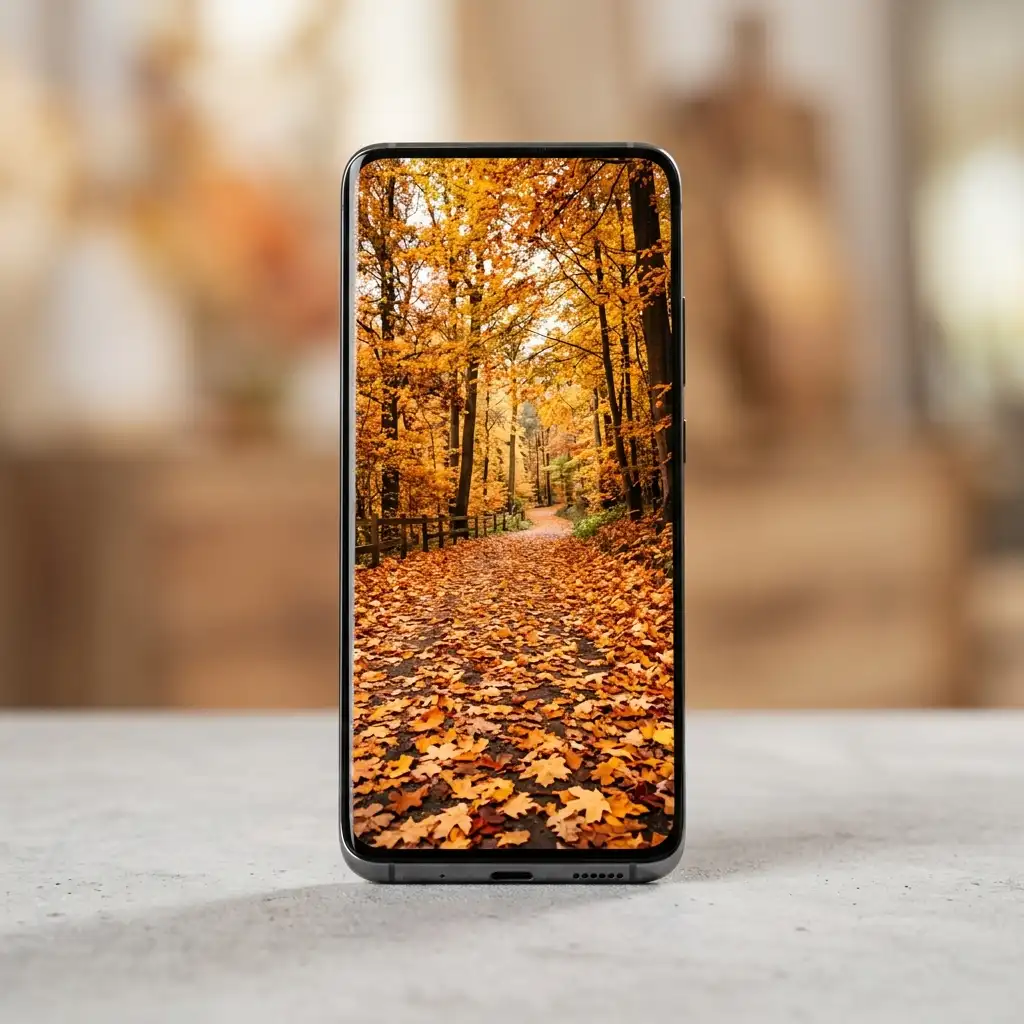
A fall iPhone wallpaper is chosen by proportions before it is chosen by beauty. Pinterest builds pins at a 2:3 ratio. An iPhone screen runs far taller and narrower than that, so filling the screen means scaling the image up until roughly 30% of its width falls off the sides. Whatever sat near the left or right edge is gone.
Looking for more ideas? Explore our full guide to Fall Wallpaper.
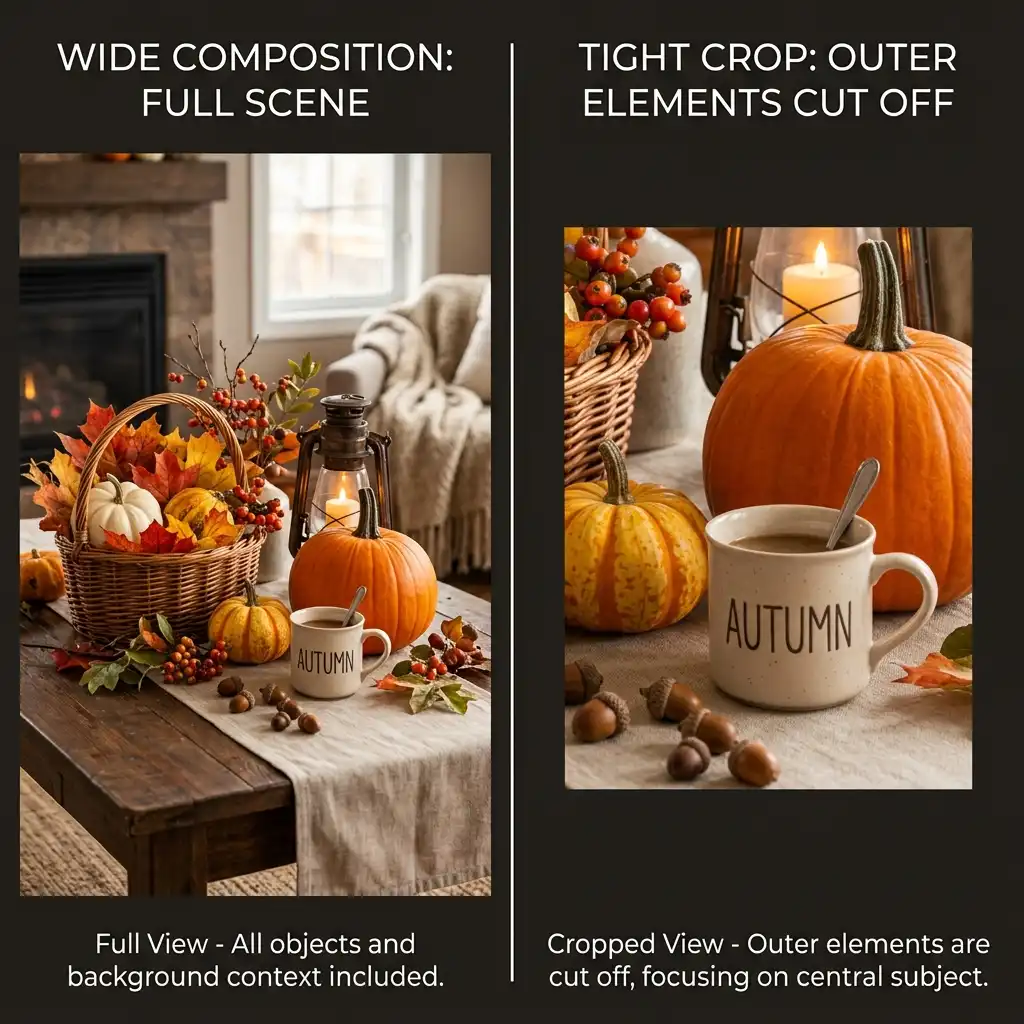
That one fact explains most disappointing screens. The image you approved was never the image your phone displayed, so the balance you liked — a wreath on one side, a candle on the other — got cut in half.
Editorial field note: A pin showing a dried wheat bundle on the left and an open book on the right looks balanced at pin size. Set as a wallpaper, the book vanishes off the edge and the wheat slides toward the middle, leaving a lopsided frame nobody chose. Nothing was wrong with the photograph. It was built for a different rectangle, the same way our home decor inspiration covers rooms that are built for a particular set of dimensions.
This post covers the shape gap in plain numbers, which autumn photos survive the crop, and what to do when the only image you like is the wrong shape. For the season away from the screen, start with these creative fall and autumn decor ideas.
What Shape Is Your Phone Screen, Really?
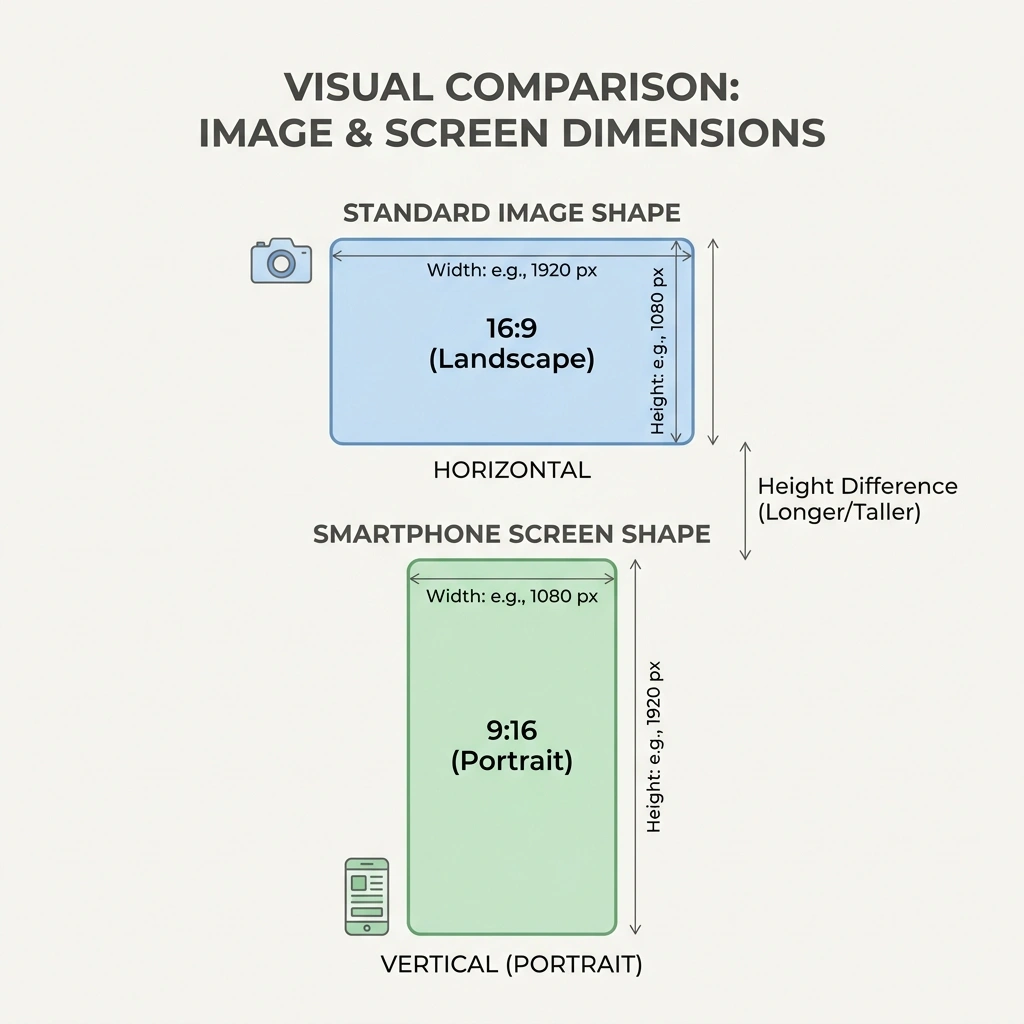
Two rectangles are involved and they do not match. One is the shape almost every saved autumn image is built in. The other is the shape your phone actually is. The distance between them is the whole problem, and it is easy to measure.
✦ Free for readers
500+ Original Home Decor Images, Yours to Keep.
Curated room by room, high‑resolution and royalty‑free — created in‑house by 101HomeDecor, not stock. No attribution needed.
Free forever · about one email a month
Why Is a Pinterest Pin Shaped Like That?

Pins are built to a fixed proportion on purpose. Pinterest recommends a 2:3 aspect ratio, or 1000 x 1500 pixels so pins fill a feed column without being cropped there.
That shape is one and a half times taller than it is wide. It suits scrolling, it suits two-column layouts, and it gives a photographer room to place two or three things side by side. None of that has anything to do with a phone screen. The pin was optimised for the place you found it, not the place you are taking it.
An iPhone Screen Is Much Taller Than That
Modern iPhone displays are long and narrow. Apple lists the iPhone 17 panel at 2,622 by 1,206 pixels, which works out to roughly 19.5:9 — about 2.17 times taller than it is wide.
Put the two numbers next to each other and the gap is obvious. A pin is 1.5 tall for every 1 wide. A phone is 2.17 tall for every 1 wide. The phone is a considerably longer rectangle, and something has to give when a shorter one is stretched to fill it.
How Much of the Width Actually Falls Off?
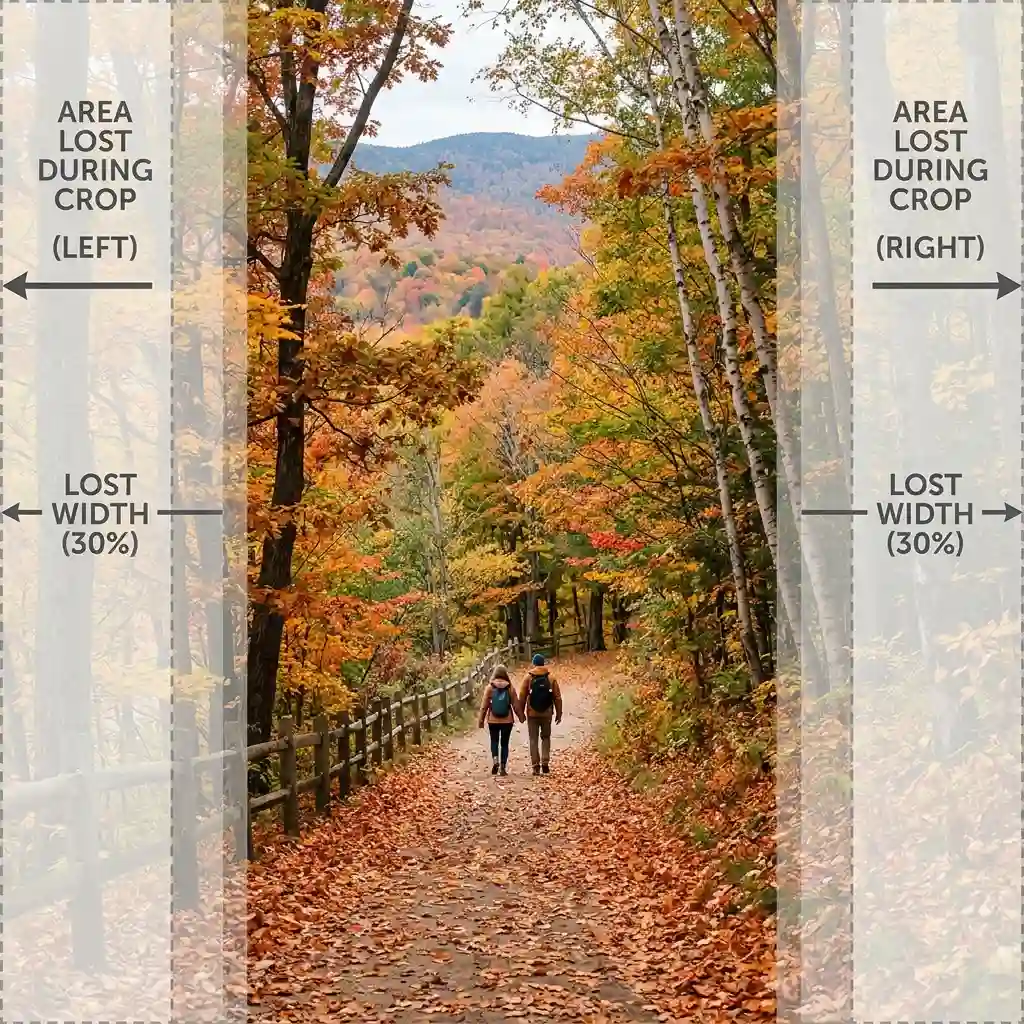
Roughly 30%. To cover a phone screen from top to bottom, a 2:3 image must be enlarged until only about 69% of its width still fits between the edges. The remaining strips — around 15% on each side — sit outside the screen entirely.
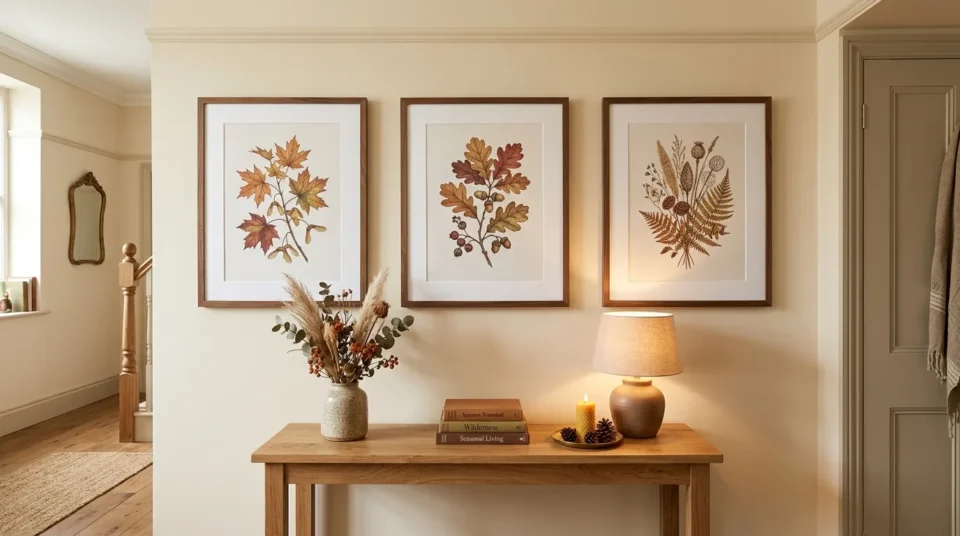
Fifteen per cent of a photo’s width is more than it sounds. On a typical pin that is a whole object: a mug, a small pumpkin, the end of a garland, a signature. Anything placed for balance near an edge is the first casualty, which is why symmetrical compositions rarely survive the move.
DESIGNER TIP: Hold two fingers over the outer sixth of any image before you save it. If covering those strips ruins the picture, it will not work as a wallpaper no matter how good it looks in the feed.
What Actually Sits on Top of a Fall iPhone Wallpaper?
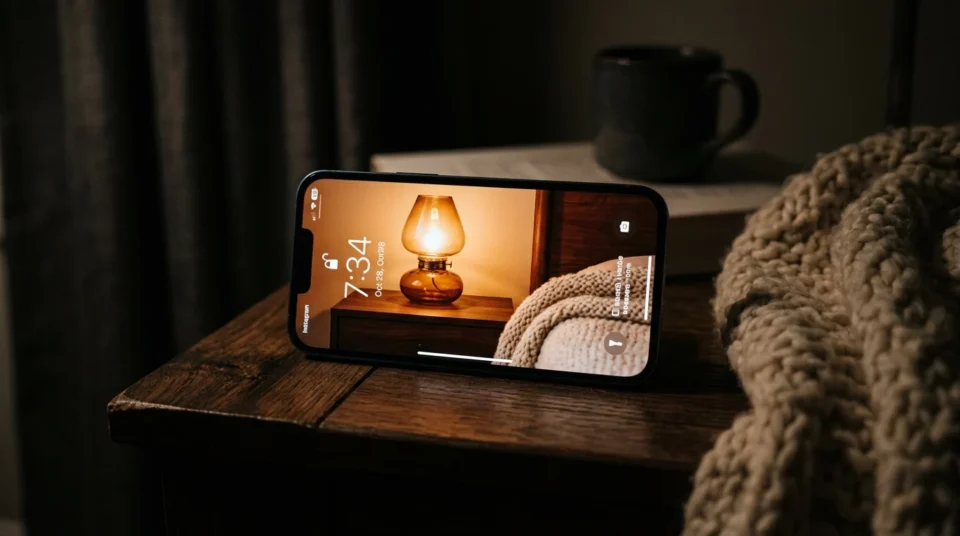
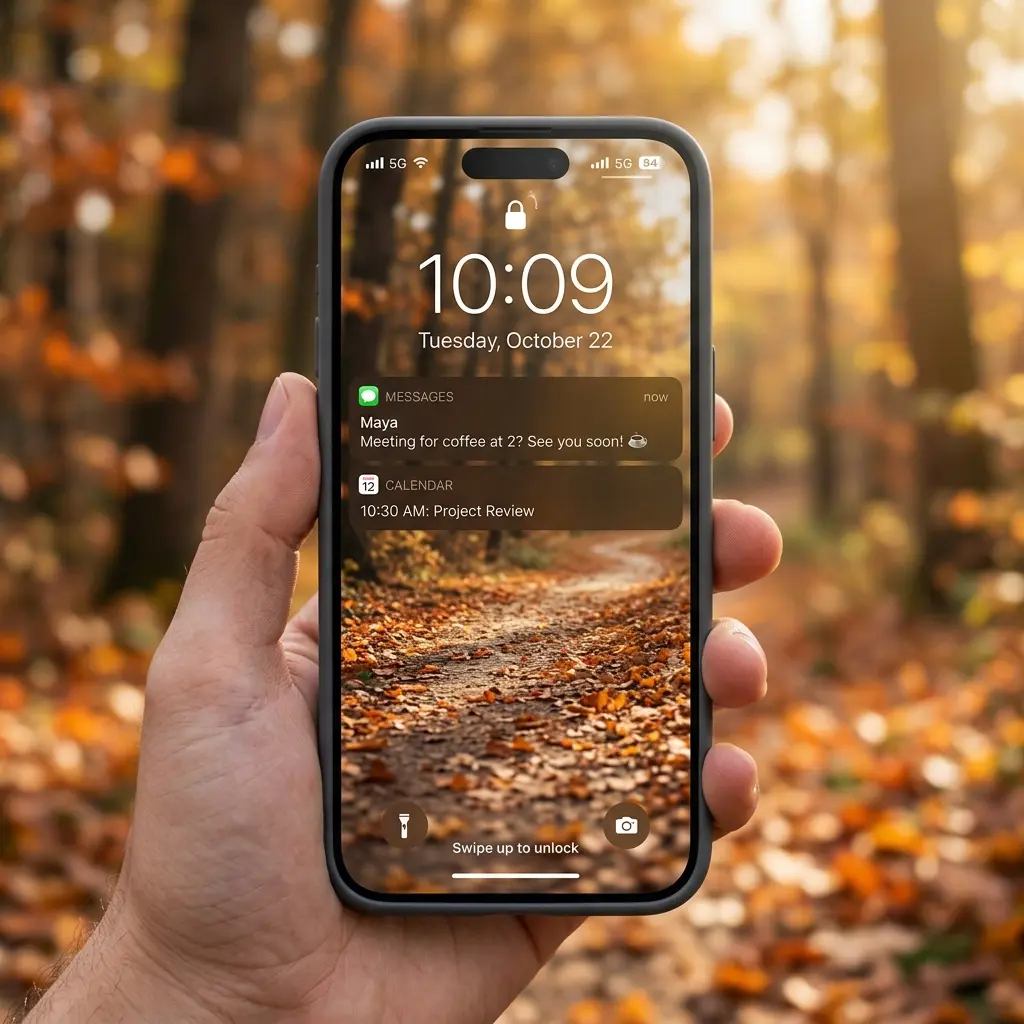
The crop takes width. The interface takes height. Once an image is on the lock screen, a large clock occupies the upper area, a date line sits under it, and two rounded buttons hold the bottom corners with notifications stacking upward between them.
So the part of the picture you truly see is a band across the middle, and that band is where your subject needs to land. One object works better than a group here — a single amber glass vessel, one unglazed clay pot, a bowl of hazelnuts. The rule matches a well-styled nightstand, where one lamp plus one small object beats four competing pieces, as these nightstand decor ideas show.
Combine both effects and the useful area of a saved image is smaller than most people expect: about 69% of its width, and a horizontal band through the centre of its height. Choose photos that put something worth seeing inside that zone and nothing important outside it.
| Quick Takeaways | |
|---|---|
| Pin shape | Pinterest builds pins at 2:3, or 1000 x 1500 pixels. |
| Phone shape | An iPhone screen runs closer to 19.5:9 — much longer. |
| Crop loss | About 30% of a pin’s width falls off the sides. |
| Safe zone | Keep the subject inside the middle band, away from both edges. |
| Source file | Save the original image, never a screenshot of it. |
| Best odds | Photos already shot vertically need almost no crop at all. |
Which Autumn Photos Survive the Crop?
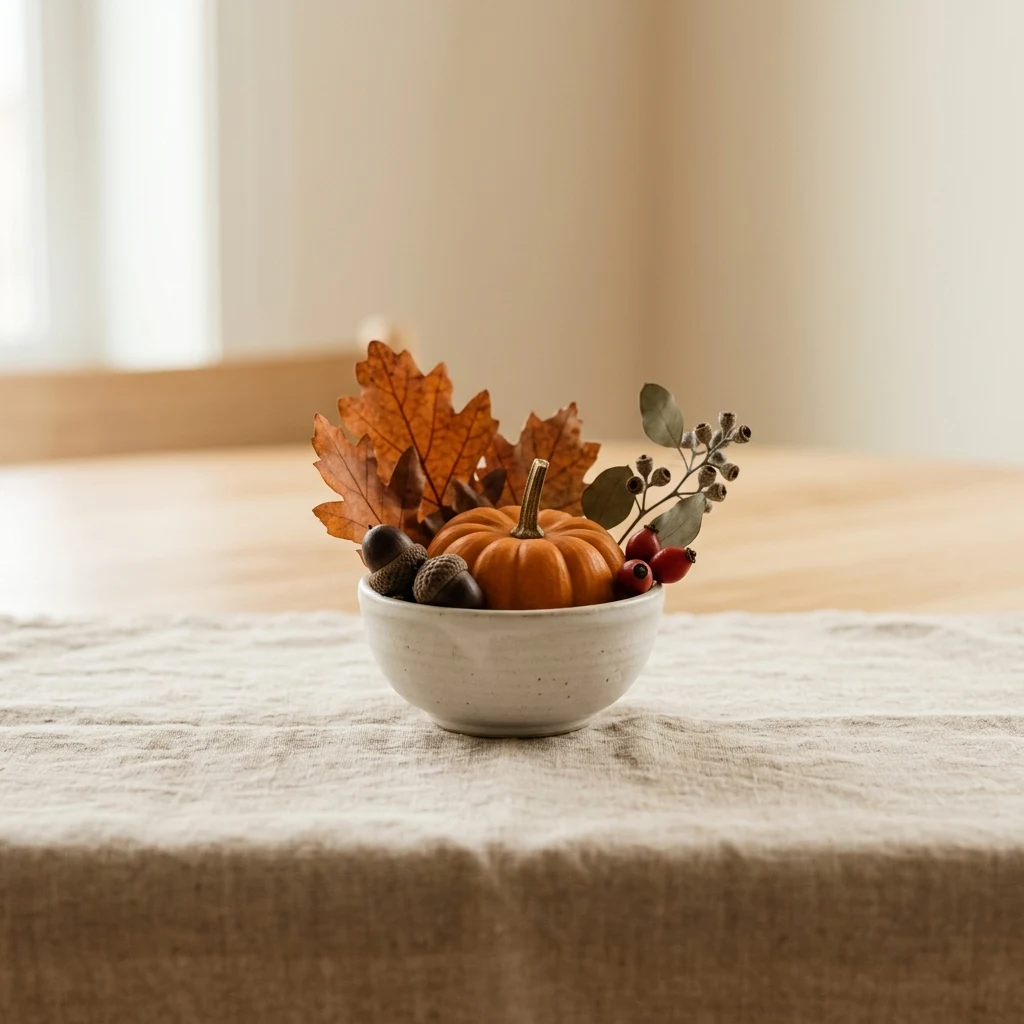
Three kinds of image come through the resize with their composition intact, and they have little in common with the ones that perform best in a feed. Each one solves the shape problem differently, so a fall iPhone wallpaper from any of these three groups will still look composed after the phone has taken its 30%. The room half of the season sits in our fall decorating ideas archive.
One Object With Slack on Both Sides
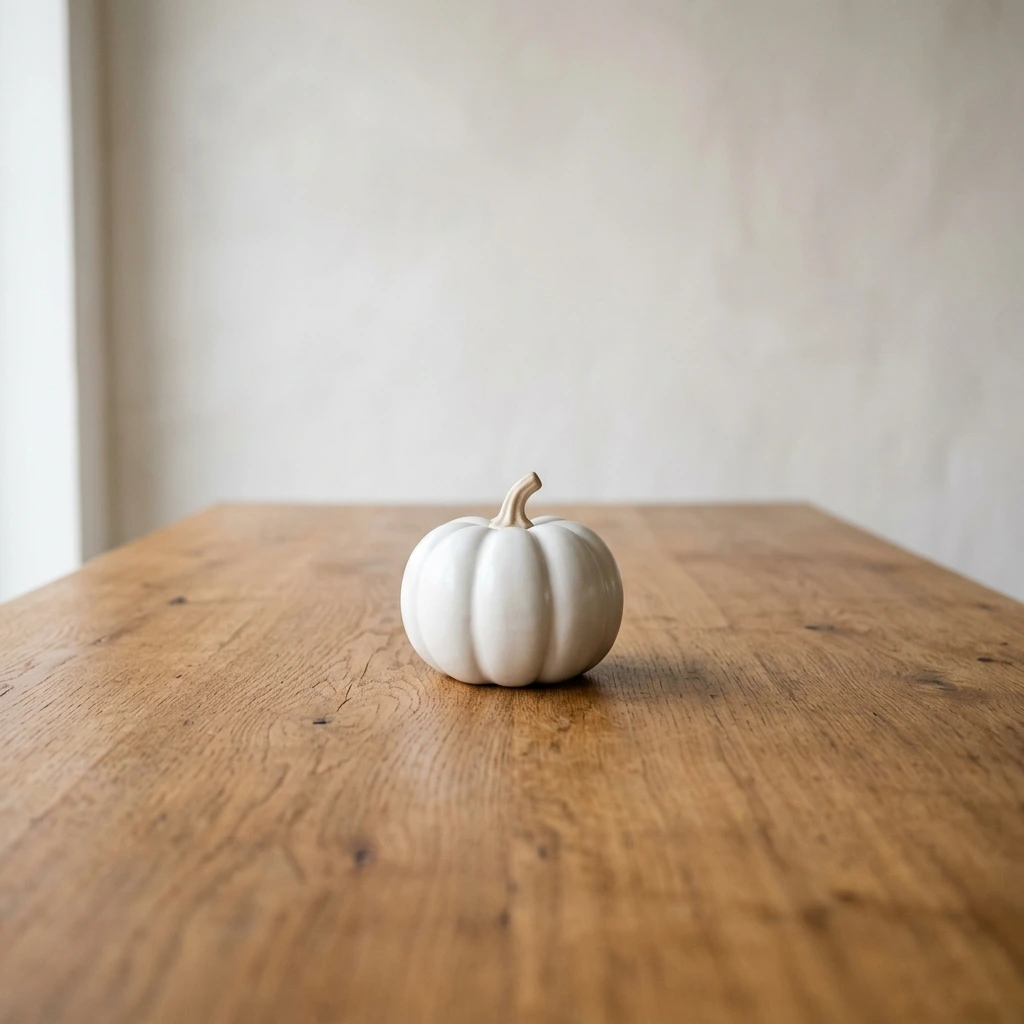
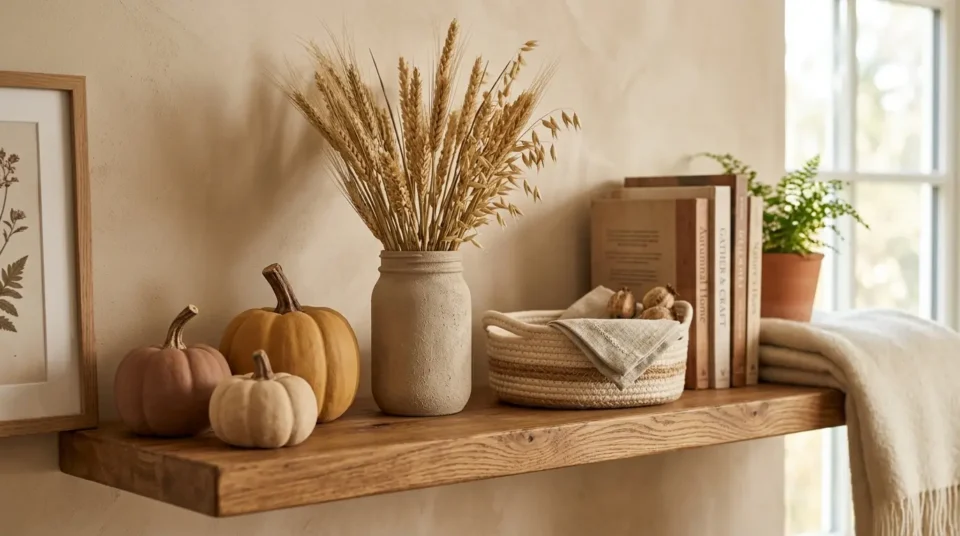
The safest choice is a single subject sitting well away from the left and right edges. One white ceramic pumpkin on oak. A brass candlestick against warm greige plaster. A stem of dried wheat in a stoneware jug.
Slack is the whole point. If the object occupies the middle half of the frame, the crop can take 15% off each side and never touch it. Tabletop groupings shot with generous margins behave the same way, which is why a tray with one candle and two books survives where a full styled surface does not — the sort of edited grouping in these spring coffee table decor ideas.
Anything Already Shot Vertically
Photos taken on a phone, held upright, start out close to the right shape. They need a small trim rather than a rescue, so almost nothing is lost.
Look for tall subjects that suit an upright frame: a doorway with a garland, a narrow bookshelf, a chair with a folded throw, branches in a floor vase. Corners photograph particularly well because the two walls give depth that a flat overhead shot cannot, an effect visible in these cozy aesthetic small bedroom ideas.
A Repeating Field With No Edges to Protect
The third option removes the subject entirely. Fill the frame with one repeating surface: ribbed corduroy, basketweave linen, overlapping oak leaves, the grain of raw timber, a plaster wall in warm clay.
A repeating field has no composition to break, so it can be cropped anywhere and still look the same. That makes it the only category where the 30% width loss is completely harmless. It also holds up longer across the season, since a corduroy close-up still suits late November — the kind of quiet surface running through more cozy decorating ideas.
The Clock Now Grows Into Whatever You Leave Blank
For years, leaving space in a wallpaper was a matter of taste. Now the operating system rewards it. Apple’s iOS 26 announcement states that “on the Lock Screen, the time fluidly adapts to the available space in an image, and spatial scenes bring wallpapers to life with a 3D effect when users move iPhone.”
Read that plainly and it changes how you choose. Give the clock a clear area and the numerals stretch tall and confident. Give it a crowded harvest scene and it shrinks back to stay legible. The photo you spent thirty seconds picking can now look better than the one you spent ten minutes on, purely because of what it does not contain.
Signs This Is Catching On:
Phone software now treats the clock as a flexible design element that responds to the image rather than a fixed overlay stamped on top.
Wallpaper packs are increasingly sold at phone proportions rather than as square or feed-shaped graphics.
Autumn palettes have shifted toward warm browns and khaki that sit calmly behind an interface, closer in mood to these dark academia bedroom ideas than to bright harvest orange.
Can You Fix a Photo That Doesn’t Fit?
Usually, and there are two routes. The first is to crop before you set it. Open the image in Photos, choose a tall crop, and decide yourself which 69% of the width survives rather than letting the phone decide. This works whenever the subject sits off-centre, because you can trim unevenly and keep it.
The second route is repositioning at set time. The wallpaper screen lets you pinch and drag the image, so you can slide a low subject upward into the visible middle band or push a busy area behind the clock. Do this while the clock is on screen, not before, so you can see exactly what lands where.
Neither route adds detail that was never there. If an image is small to begin with, cropping makes it smaller, and the phone stretches the remainder until edges go soft. Start with the largest version you can find and both fixes work far better — a photo you took yourself is always the biggest file available, which is one more reason to point a camera at a shelf you already like, arranged the way these spring shelf styling ideas handle it.
The Crop Test, Step by Step
- Open the original image at full size rather than a screenshot, so the file has pixels to spare.
- Cover the outer sixth of each side with your fingers and check the picture still makes sense.
- Confirm the main subject sits inside the middle half of the frame, clear of both edges.
- Crop to a tall shape in Photos first if the subject is off-centre, keeping the side you want.
- Set it, then reposition with a pinch while the clock is visible so nothing important hides behind it.
- Check for text or a watermark near an edge, since the crop cuts words rather than removing them.
KEY TAKEAWAY: A fall iPhone wallpaper works when the subject sits inside the middle half of the frame, because the outer sixth on each side never reaches the screen.
What to Stop Saving to Your Camera Roll
- Screenshots of pins are the most common mistake and the easiest to fix. A screenshot captures the image at screen size with the app interface baked in, so it starts out smaller than your display and gets stretched to fill it. Open the pin and save the full image instead.
- Photos with the subject pressed against one side are a wasted save. That is exactly the strip the phone discards. If the pumpkin touches the left edge of the frame, it will not be there once the image fills the screen — and any title text or watermark sitting in that same strip gets cut through mid-word rather than removed cleanly.
- Cropping to a square first throws away the height you are about to need. Square is the worst possible starting shape for a phone, since it must then be enlarged even harder than a 2:3 pin to reach the top and bottom. Old wallpaper packs built for 16:9 phones fail for the same reason.
Landscape Photos and Older Phones
Older iPhones lose some newer effects but none of the shape logic. Spatial scenes and the stretching clock need recent software, yet the 2:3 problem, the 30% width loss and the middle-band rule work identically on a five-year-old handset. Proportions do not depend on a chip.
If landscape is all you have, stop trying to fill the screen with it. Crop hard into one part of the photo — a single trunk, a section of the wall, one corner of the porch — and treat it as a detail shot rather than a scene. A well-cropped fragment beats a stretched panorama every time, and it gives you a starting palette for the room itself, as these fall bedroom refresh ideas show.
One myth worth retiring while you are choosing: a dark autumn wallpaper will not meaningfully save your battery indoors. Purdue University researchers found that switching from light mode to dark mode saves only 3%-9% power on average at the 30% to 50% brightness most people use, rising to 39%-47% only at full brightness outdoors. Pick a moody screen because you like it, not for the battery.
DESIGNER TIP: Turn on the camera grid and place your shelf line or horizon on the lower grid line. That single habit leaves the upper area clear without you having to think about composition at all.
The One Shape Worth Hunting For
Of the three survivors, the repeating field wins for most people. It cannot be cropped wrong, it never fights the interface, and it stays right from the first cool week of September through to the end of November. A single-object shot is prettier for about three weeks and then starts to look staged. Clay, ochre and espresso surfaces do this best, the same warm mid-tone family running through these earthy modern bedroom ideas.
Photos already shot upright come second, and they are the ones worth collecting deliberately, because every vertical frame you take now is a wallpaper that needs almost no crop later. More of the season away from the screen sits across our seasonal decorating ideas.
Set the swap date before you need it. Autumn browns start to feel heavy once the light drops in December. Move toward the cooler, brighter palettes in these cozy winter decor ideas rather than holding on until January.
Frequently Asked Questions
Conclusion
If the only autumn photo you love is the wrong shape, crop into one small part of it rather than stretching the whole thing — a fall iPhone wallpaper only has to hold one detail well, not an entire scene. Editorial field note: a tight crop of clay-toned plaster and one dried stem looks more finished on a screen than a full harvest table squeezed into a tall frame, because the phone kept everything that mattered. More ideas that begin on a screen and end up in a real room sit across our home decor inspiration.
Next Steps
- Open your saved autumn images and delete every screenshot, keeping only full-resolution originals.
- Cover the outer sixth of each side on your favourite three and keep only the ones that still work.
- Crop your chosen image to a tall shape in Photos before setting it, not after.
- Take five upright photos of corners in your own home this week so future crops are unnecessary.